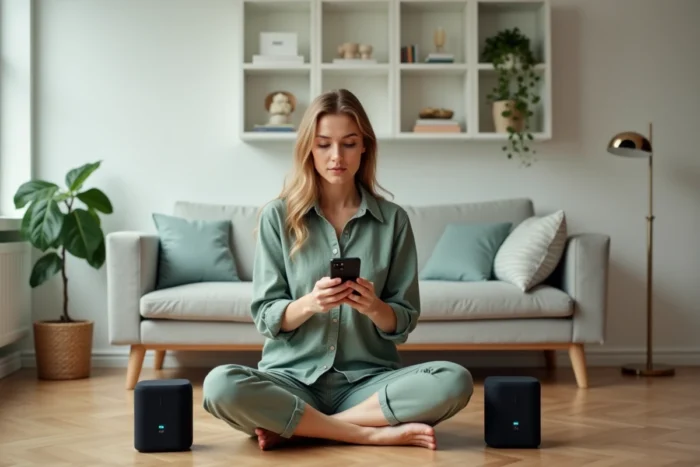
You connect a speaker in the living room, another on the terrace, start the playlist, and the sound only comes from one side. Standard Bluetooth only manages one audio output at a time. To stream the same music on multiple speakers simultaneously, you need either a recent smartphone with a native function or a dedicated app that bypasses this limitation. The choice depends on the hardware, operating system, and the level of synchronization expected.
Native Dual Audio on Android: What the Phone Already Does Without an App
Before installing anything, check what the smartphone offers natively. Since Android 13-14, the Dual Audio or Multi Connect feature has expanded beyond just Samsung Galaxy devices. The Pixel 8 Pro, Galaxy S23/S24, and some high-end OnePlus or Oppo devices now manage two simultaneous Bluetooth outputs with independent volume for each device.
On a Galaxy, the setting is found in Settings > Connections > Bluetooth > Advanced settings > Dual audio. You pair two speakers, activate the toggle, and the stream goes to both. Latency remains noticeable if the speakers are from different brands, but for background music during an evening, it’s sufficient.
The key point to remember: if you’re looking for an app to connect multiple Bluetooth speakers at the same time, start by checking if your phone already does it natively. On recent models, the system option offers better stability than a third-party app.
AmpMe, Bose Connect, UE Boom: Which App for Which Use
When native Dual Audio is not available (iPhone, older Android, or the need to connect more than two speakers), apps take over. Three names consistently come up, but they do not meet the same need.
AmpMe for Multi-Brand
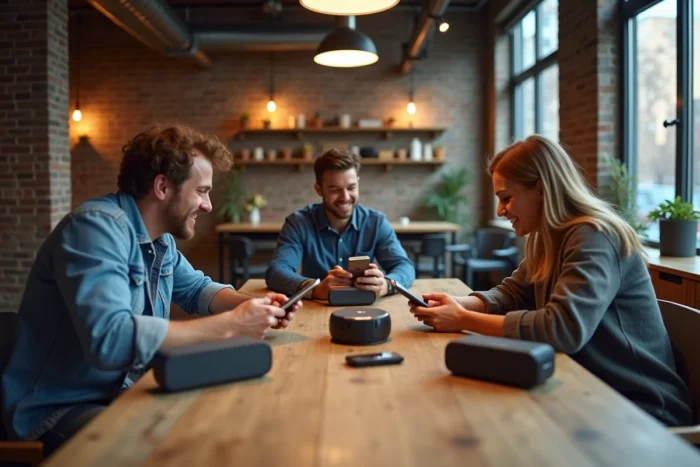
AmpMe synchronizes sound between multiple phones and tablets, each connected to its own speaker. You create a “party,” participants join the session, and the music streams on all devices at the same time. AmpMe works regardless of the speaker brand, making it the only truly universal option.
The downside: synchronization relies on Wi-Fi or mobile data, not just Bluetooth. Outdoors without Wi-Fi, feedback varies on this point, with some users reporting a slight delay. The app is free with paid premium features (ad removal, access to certain music sources).
Bose Connect for a Closed Ecosystem
If all your speakers are Bose (SoundLink, Revolve, Portable), the Bose Connect app offers Party mode, which connects up to two speakers, or Stereo left/right mode. Synchronization is significantly more reliable than with AmpMe because the protocol remains proprietary and optimized for Bose hardware.
The limitation is obvious: you cannot add a JBL or Sony speaker to the mix. You stay within the Bose ecosystem, period.
Ultimate Ears and the PartyUp Feature
The UE Boom 3, Megaboom 3, and Hyperboom speakers have the PartyUp feature via the UE Boom app. It allows you to connect a large number of compatible UE speakers together. The operation is similar to Bose Connect: reliable, but reserved for brand speakers.
- AmpMe: multi-brand, requires a network connection, slight delay possible, free with paid options
- Bose Connect: limited to Bose speakers, precise synchronization, Party and Stereo modes
- UE Boom (PartyUp): limited to compatible Ultimate Ears speakers, direct connection between speakers, stable
Multi-Speaker Bluetooth Connection on iPhone: The Real Options
On iOS, Apple does not offer a native Dual Audio equivalent to Samsung’s. Two options exist.
The first goes through AmpMe, which works on both iPhone and Android. The same principle of network synchronization between multiple devices is found.
The second concerns Apple speaker users: two HomePods can be configured in stereo pair via the Home app, with nearly perfect synchronization managed by AirPlay. This is not Bluetooth per se, but Wi-Fi, which improves audio quality and eliminates latency issues.
For third-party speakers on iPhone, there is no system solution. AmpMe remains the only cross-platform app that bypasses this restriction without jailbreaking.
Samsung and LG TVs: Connect Two Bluetooth Speakers Without a Phone
The use case is not limited to smartphones. Recent televisions also integrate multi-Bluetooth speaker functions.
Samsung Smart TVs offer the Multi Connect option in the Bluetooth Speaker List to pair two speakers or headphones simultaneously, without a third-party app. You access the menu Sound > Sound output > Bluetooth Speaker List, and select two devices.
On the LG side, models running webOS 6.0 and later offer a Bluetooth Surround Sound mode that combines Bluetooth speakers and the TV’s built-in speakers. The result creates a pseudo-surround effect that helps for a movie without investing in a soundbar.
- Samsung Smart TV: Multi Connect, two simultaneous Bluetooth outputs, setting in the Sound settings
- LG TV (webOS 6.0+): Bluetooth Surround Sound, combination of Bluetooth speaker and TV speakers
- Other brands: check the TV’s Bluetooth settings, most remain limited to a single output
Latency and Audio Quality: The Real Barrier of Multi-Speaker Bluetooth
Connecting multiple Bluetooth speakers at the same time is technically possible. Achieving perfect synchronization is another matter. The classic Bluetooth protocol (A2DP) was not designed to handle multiple synchronized audio streams. Each speaker can introduce a delay of a few dozen milliseconds, imperceptible for background music but problematic for watching a video.
Proprietary solutions synchronize better than universal solutions. Bose Connect and UE PartyUp manage latency better because they control the hardware on both sides. AmpMe, which has to work with any device, offers fewer guarantees in this regard.
For video use, Wi-Fi (AirPlay, Chromecast) remains more reliable than Bluetooth. For background music during a party, the slight delay of multi-speaker Bluetooth goes unnoticed in most cases.